- Payroll Management
How to Move Your Payroll from Excel to Software
- Published date
- Author
- By Nii-Tetey Chinery-Hesse
Many growing businesses start with Excel for payroll, but spreadsheets can become slow, risky, and difficult to manage as teams expand. This article explains when to move from Excel to payroll software and how Akatua helps businesses manage salaries, deductions, payslips, leave, and reports in one central platform.
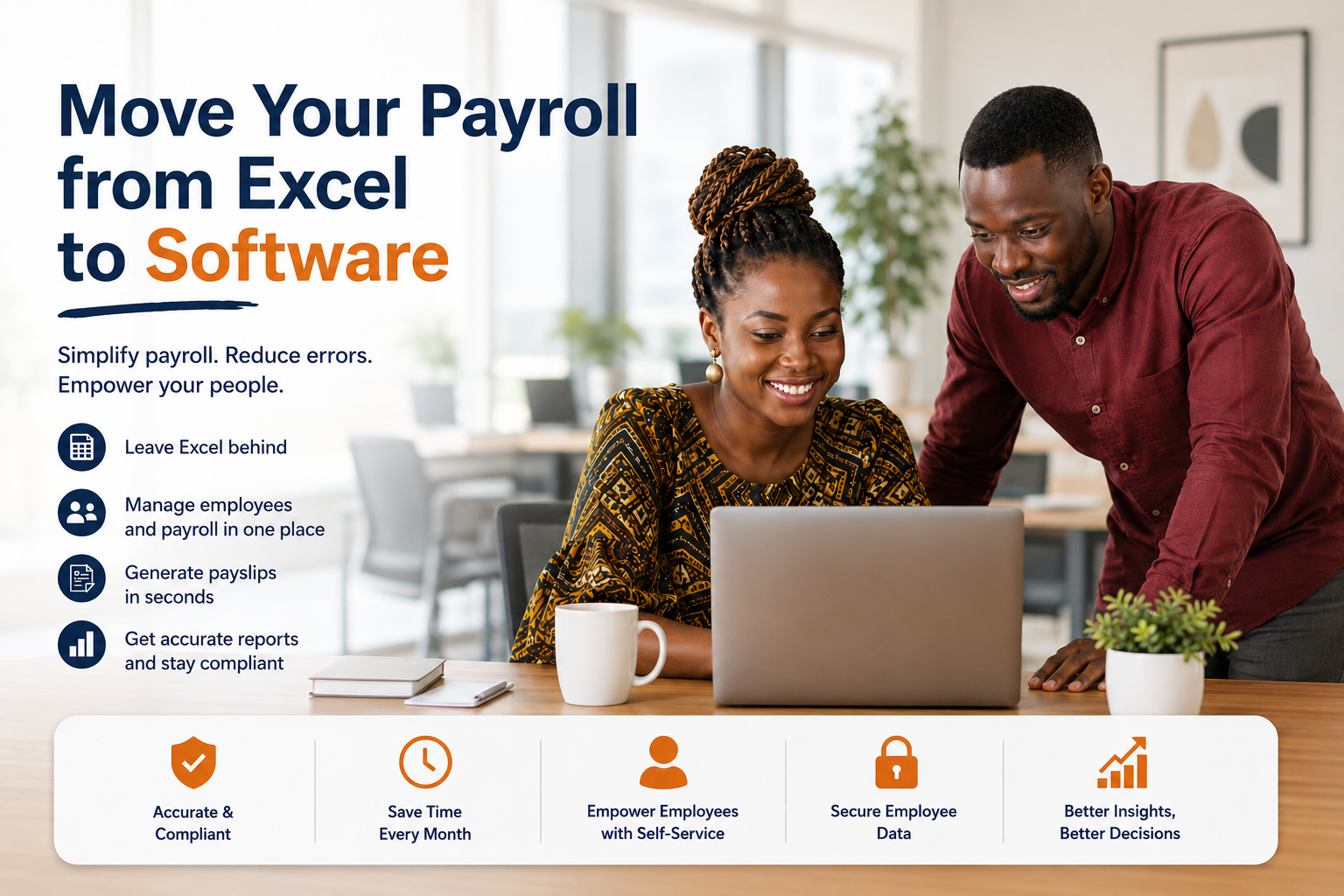
Many growing businesses start by managing payroll in Excel. At the beginning, it feels simple: one spreadsheet for employees, another for salaries, and a few formulas for deductions, PAYE, SSNIT, allowances, and net pay.
But as the business grows, Excel payroll becomes harder to manage. More employees means more salary changes, deductions, loans, leave records, payslips, overtime, bonuses, and reports. What once worked for a small team can quickly become slow, risky, and difficult to control.
That is when it may be time to move your payroll from Excel to software.
Why Excel becomes difficult for payroll
Excel is useful, but it was not designed to manage a full Ghana payroll and human resource management process.
Common problems include:
- Broken payroll formulas
- Multiple versions of the same file
- Manual salary calculation errors
- Missing employee records
- Difficulty tracking SSNIT and social security records
- Poor access control
- Delayed payslip preparation
- Difficulty managing deductions, loans, and salary advances
- Slow payroll reports
If only one person understands the payroll spreadsheet, the business becomes too dependent on that person. If they are unavailable or make a mistake, salaries, payslips, and reports can be delayed.
Signs your business has outgrown Excel
Your business may be ready for payroll software if payroll takes too long every month, employees often ask to “check my payslip”, or your HR and finance teams are struggling to manage salary records manually.
You may also need payroll software if you:
- Manage 30, 50, or more employees
- Need to generate electronic payslips
- Track deductions, loans, bonuses, or allowances
- Manage leave in a separate spreadsheet
- Need better SSNIT, PAYE, and social security records
- Operate across multiple branches
- Need better employee history and payroll reports
- Want employees to access payslips more easily
At this stage, payroll needs more structure than Excel can provide.
What payroll software does differently
Payroll software helps businesses manage salary information, employee records, deductions, payslips, and reports in one central system.
Instead of keeping employee records, leave, loans, allowances, and payroll reports in separate files, everything is connected.
A good payroll system can help you:
- Store employee records
- Run monthly payroll
- Manage salary advances
- Track benefits and allowances
- Record overtime and bonuses
- Manage deductions and loans
- Generate payslips and electronic payslips
- Keep payroll history
- Produce payroll reports
- Support employee self serve access
This makes payroll easier for HR teams, finance teams, and business owners to review and manage.
Why employee self-service matters
As a business grows, HR teams often spend too much time answering simple payroll questions. Employees may ask for payslips, leave balances, salary details, or documents.
An employee self serve portal helps reduce this manual work. Instead of asking HR every time they need “my payslip” or a payslip online, employees can access relevant payroll and HR information through the system.
This improves transparency and saves time for both employees and HR teams.
How to move from Excel to payroll software
Start by cleaning your current payroll data. Make sure employee names, job titles, departments, salaries, allowances, deductions, loans, and leave records are accurate.
Next, organise your payroll items into clear categories such as basic salary, benefits, bonuses, overtime, deductions, PAYE, SSNIT, social security, and net pay.
Then choose payroll software that fits your business. For a growing Ghanaian business, the system should support Ghana payroll needs, payslips, employee records, deductions, leave management, documents, reports, and HRMS management.
Before fully switching over, test the system with a sample payroll run. Compare the results with your Excel process and correct any issues before using the software for your full payroll.
Why Akatua can help
Akatua is built for growing businesses that want to move beyond scattered spreadsheets. It helps companies manage payroll, employee records, pay advances, benefits, allowances, deductions, loans, leave, announcements, documents, reports, and employee history in one central platform.
Instead of relying on manual files, Akatua gives HR and finance teams a clearer way to manage people and payroll together.
Conclusion
Excel can work when a business is small, but it becomes harder to rely on as the team grows. Payroll software helps reduce errors, save time, organise employee records, improve payslip management, support electronic payslips, and produce better reports.
If payroll is becoming slow, stressful, or too dependent on one spreadsheet, it may be time to move to a proper HR and payroll system.
Book a demo of Akatua to see how your business can move from Excel to a more organised HR and payroll platform.